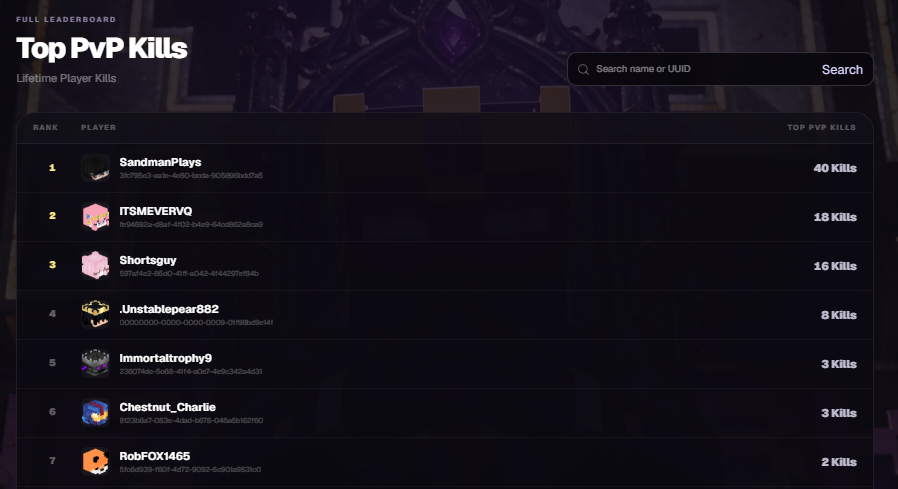
Leaderboards
Updated 10/10/2026
MacePvP Leaderboards
The Leaderboards system allows players to track their performance, stats, and standing across various gameplay activities on the server.
How to Access
Players can open the Leaderboards menu in-game using the designated command /leaderboards or press "ESC" on your keyboard to open the Minecraft menu, then select the MacePvP menu, and finally select Leaderboards.
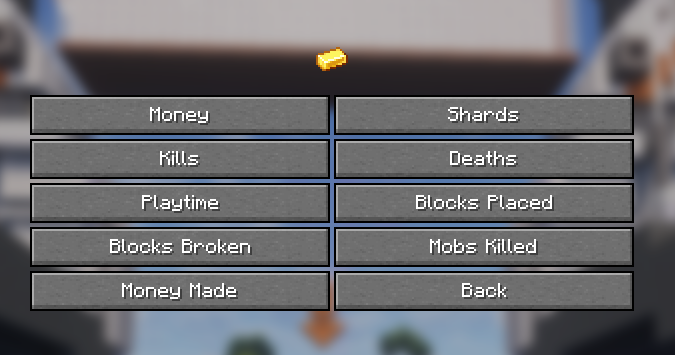
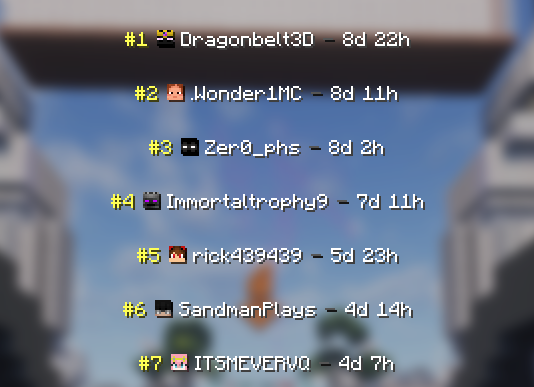
From here, you can select which leaderboard you want to view, such as Playtime, to see rankings ranging from the lowest to the highest scores across the server.
For example:
Statistics Website
In addition to in-game menus, players can track stats, milestones, and ranking anytime through the official SMPS Website.
How to use the Website
- Search Players: Enter a player's Username or UUID in the search bar to view their individual stats.
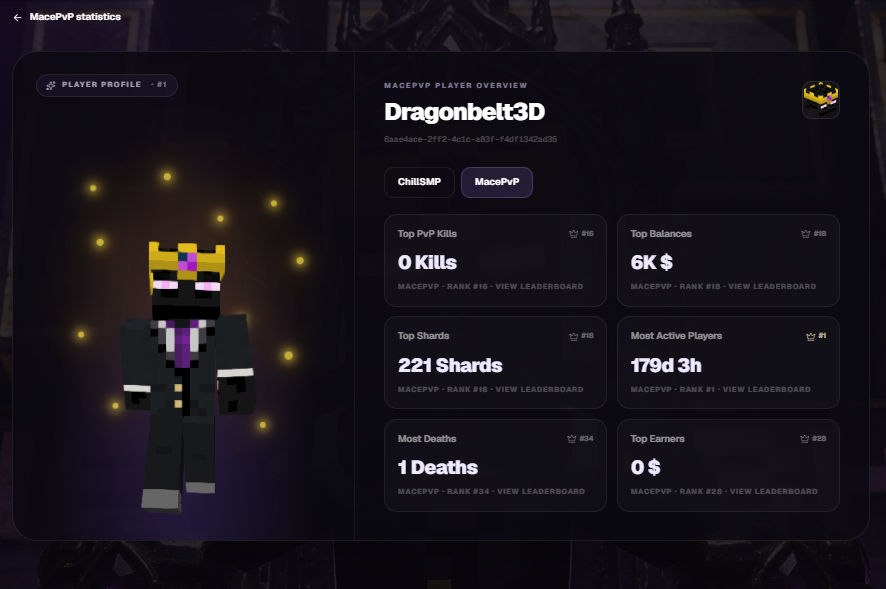
- Switch Servers: Select your target server (e.g.,
ChillSMPorMacePvP) using the server toggle buttons.

- Explore Leaderboards: Browse featured category previews such as Top PvP Kills or Top Balances, or click Full board to view full server rankings.